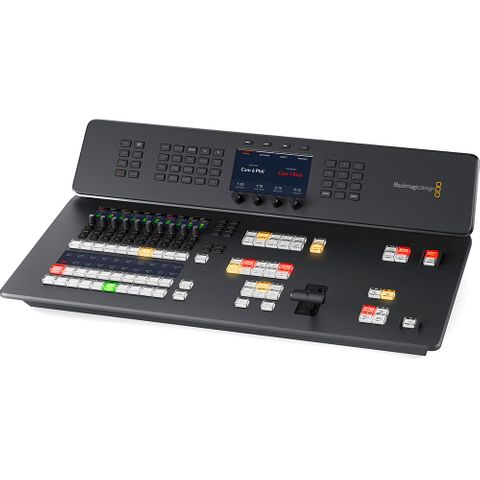
Blackmagic Design ATEM Television Studio HD8 ISO


Product Features:

Essential Add-On's we recommend
You may also like...
-
Brand
Stock Level:Out of StockStock Code:88.SWATEMTVSTCK4K80Was:$9,269.00Now:$8,060.00Price:$8,060.00 -
Brand
Stock Level:Out of StockStock Code:88.SWATEMTVSTAHD080Was:$4,209.00Now:$3,660.00Price:$3,660.00 -
Brand
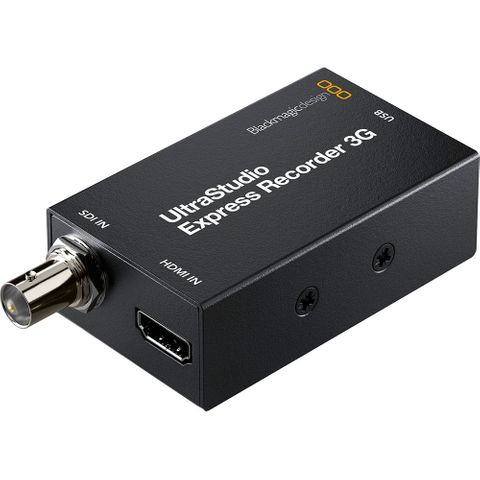
Stock Level:Out of StockStock Code:88.BDLKULSDMAEXREC3GWas:$249.00Now:$216.52Price:$216.52 -
Brand
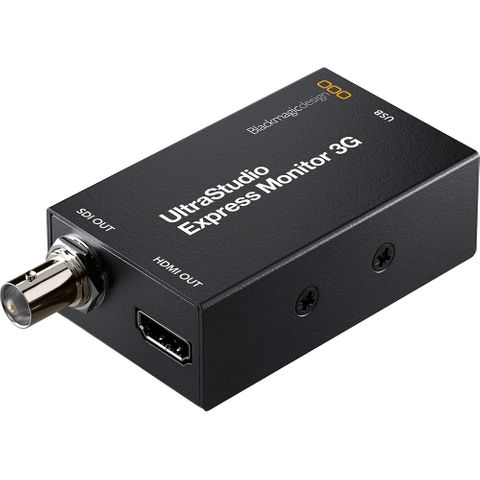
Stock Level:Out of StockStock Code:88.BDLKULSDMBEXMON3GWas:$249.00Now:$216.52Price:$216.52 -
Brand
Stock Level:Out of StockStock Code:88.SWATEMTVSTCHD08ISO0Was:$5,125.00Now:$4,456.52Price:$4,456.52 -
Brand
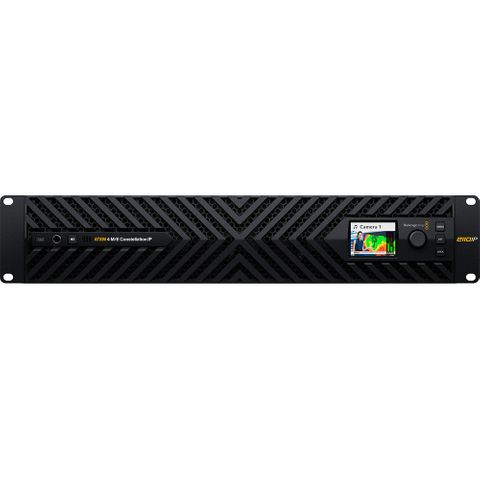
Stock Level:Out of StockStock Code:88.SWATEMSCN23ME4IPWas:$17,155.00Now:$14,917.39Price:$14,917.39 -
Brand
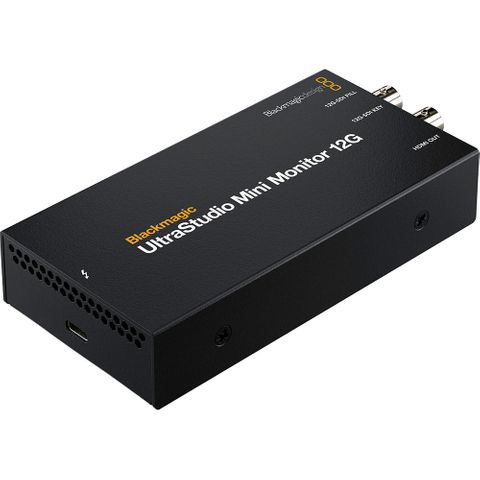
Stock Level:Out of StockStock Code:88.BDLKULSDZMINMON12GWas:$625.00Now:$543.48Price:$543.48 -
Brand
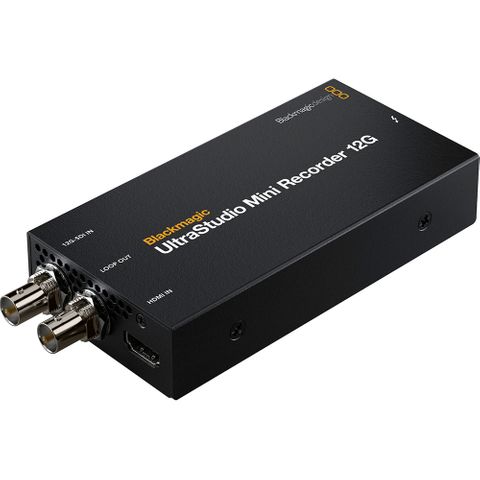
Stock Level:Out of StockStock Code:88.BDLKULSDZMINREC12GWas:$625.00Now:$543.48Price:$543.48
Description
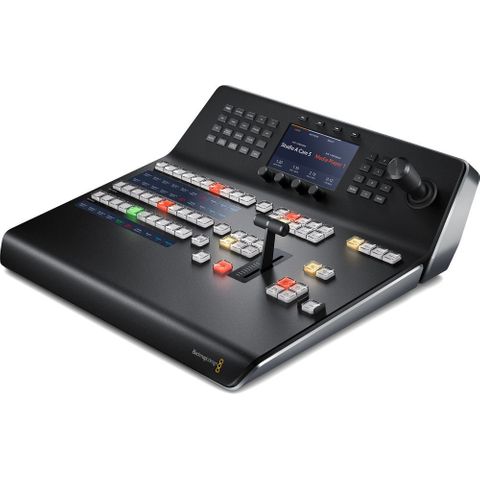
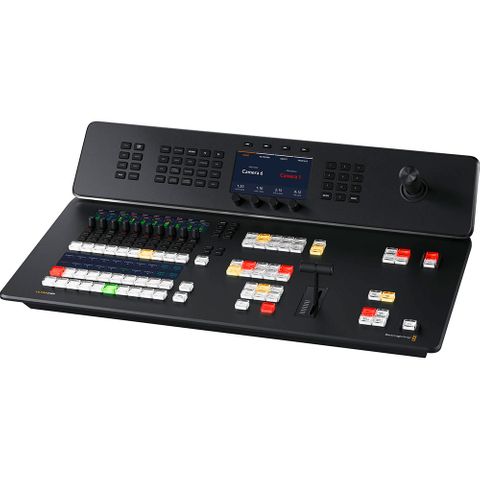
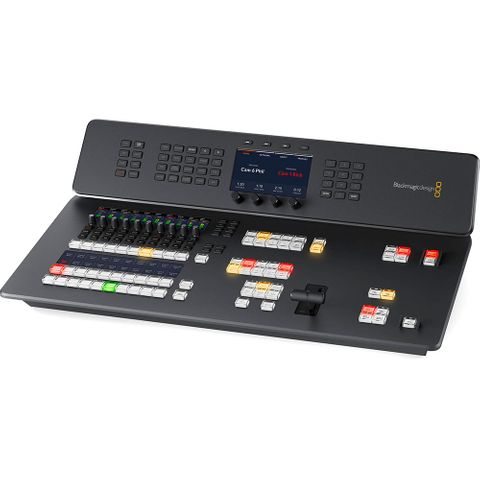
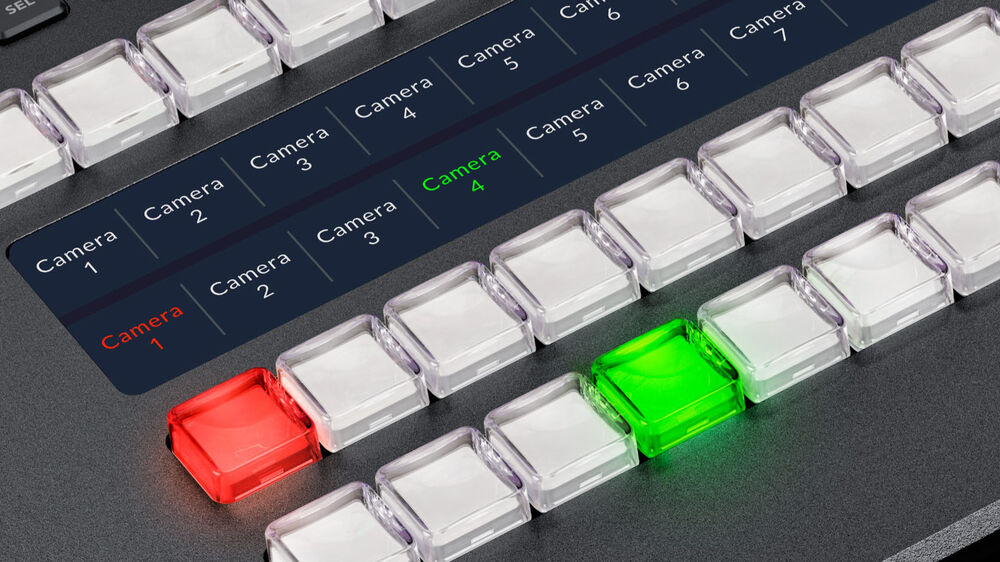
The switcher features an all-new button layout, and it's made from polycarbonate material, so it's much lighter than its predecessor. It provides numerous enhancements to the layout with professional buttons, LCD label displays, and an easy-to-navigate button layout.
Live Production
Postproduction
Distribution
Production Switcher Control
Easy Setup and Usage
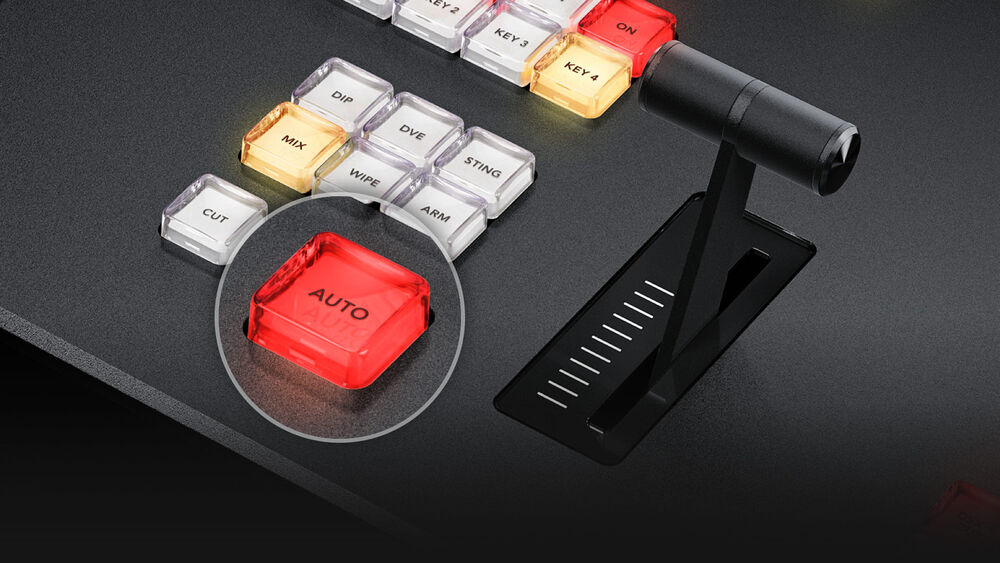
Redesigned Front Panel
Connect 5G or 4G Phones for Mobile Data
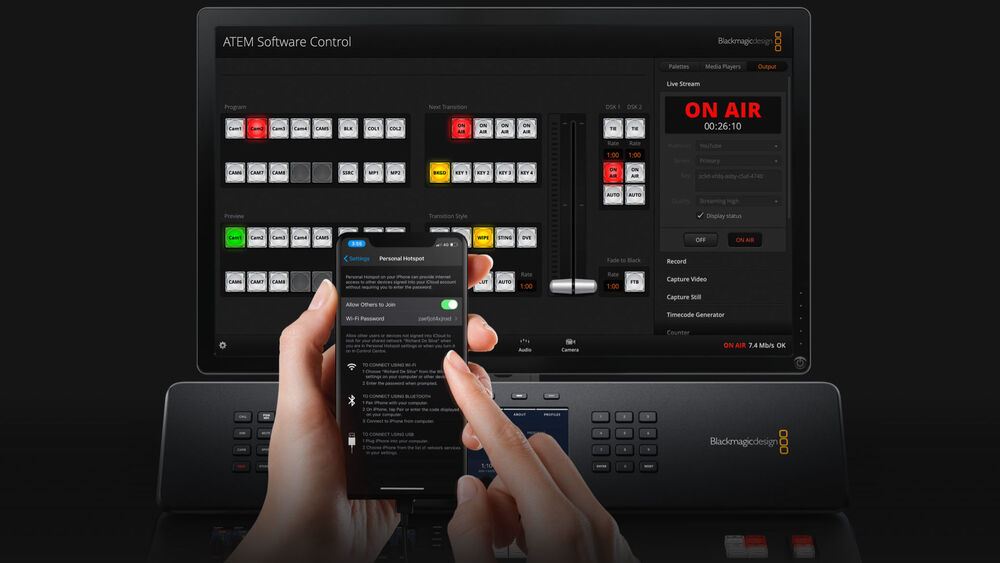
The ATEM switcher will detect when a phone is connected and automatically switch its internet connection to use it if the Ethernet connection is lost. When connected, the phone will also power from the USB port, so it always remains charged and ready to go. By using phone tethering and mobile data, you get the perfect mobile production solution that can be transported anywhere.
Edit Live Production with Separate ISO Recordings
A DaVinci Resolve Project file is saved and linked to the input video files, so your live switching is converted into an edit timeline that you simply click to open. Now it's easy to re-edit your show with new color grades and even updated graphics. Plus all audio is recorded into separate WAV files, so you can professionally remix your audio.
Connect to Remote Internet Cameras
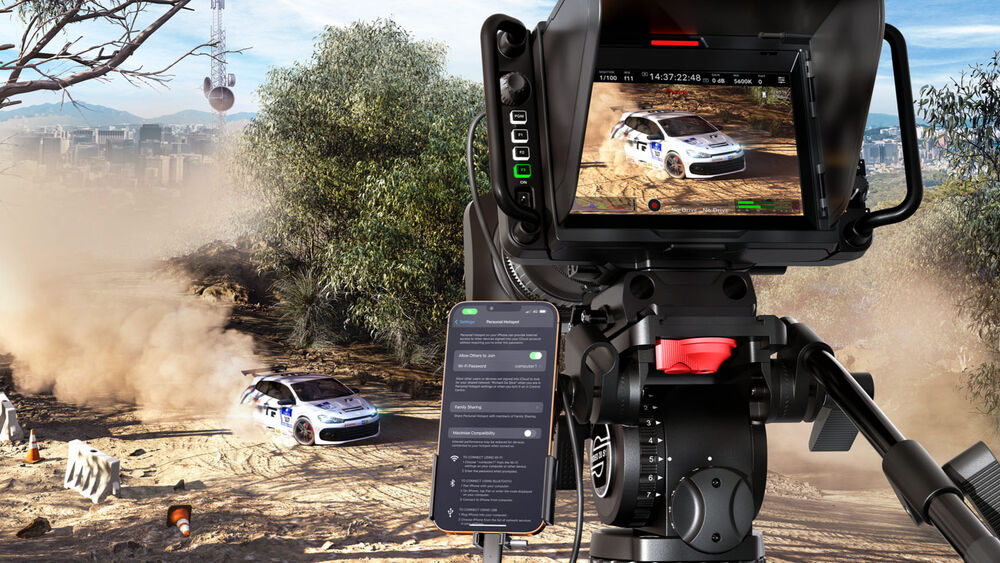
However, if the switcher is set to a fixed external IP address, then you can export an XML file with the camera settings to live stream from anywhere on the internet. Simply load the XML file into the camera. Plus, you even get camera control and tally. Program audio is also sent back to the camera, which is great for live interviews.
Broadcast Style Mix/Effects Switching
Add Exciting Video Effects
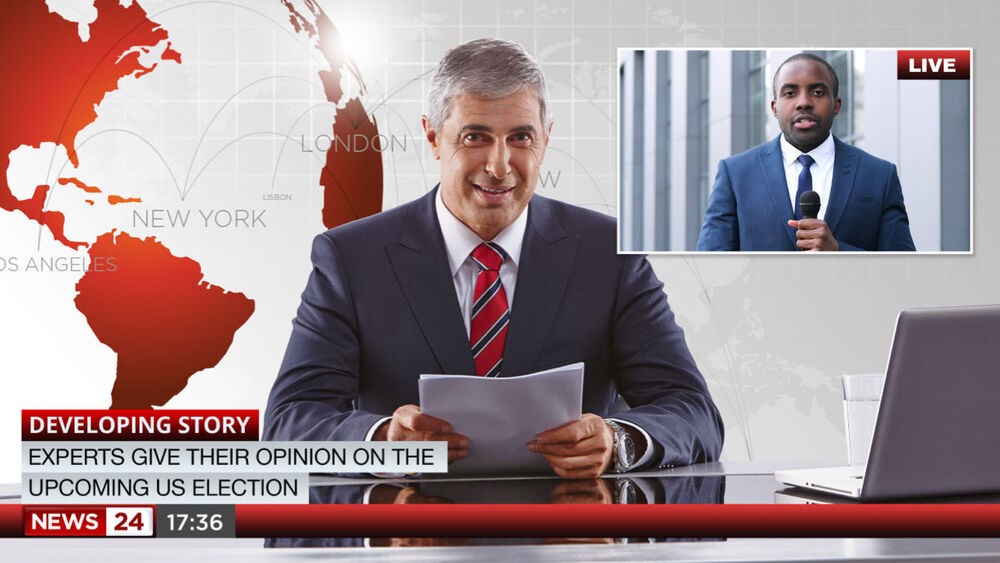
Creative Transitions
Built-In DVE
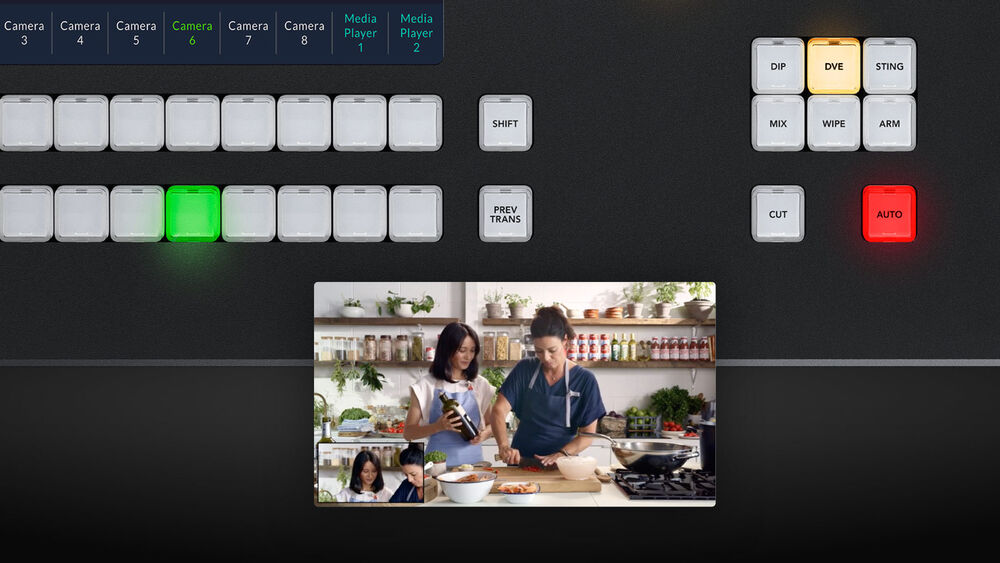
Supports Internal Media
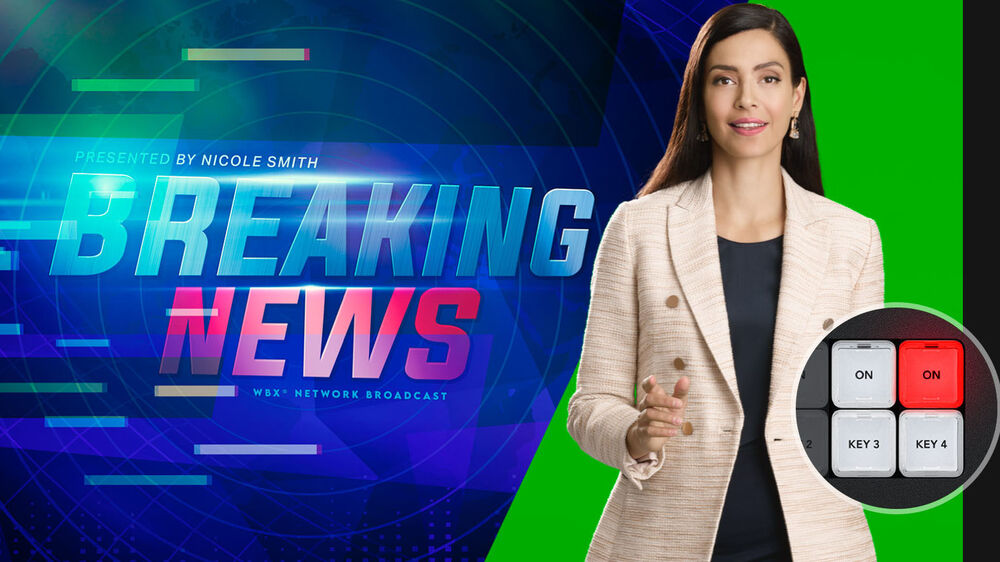
Includes 4 ATEM Advanced Chroma Keyers
SuperSource Processing
8 Standards Converted 3G-SDI Inputs
SDI input audio channels 1, 2, 3, and 4 can also be manually routed to various embedded audio channels in the program and aux outputs. Plus, you can even route out audio channels 1 and 2 from the SDI inputs to the MADI digital audio output, so you can hand off the switcher input audio to an external audio engineer for mixing.
You also get two dedicated aux outputs for driving stage monitors and master recorders. These aux outputs can be live switched using dedicated buttons on the control panel. Aux 1 even includes an on-screen counter for presenter monitoring. Plus, you can manually route audio into all 16 embedded audio channels in the SDI outputs. For camera monitoring, there is a dedicated 3G-SDI and HDMI output for the multiview.
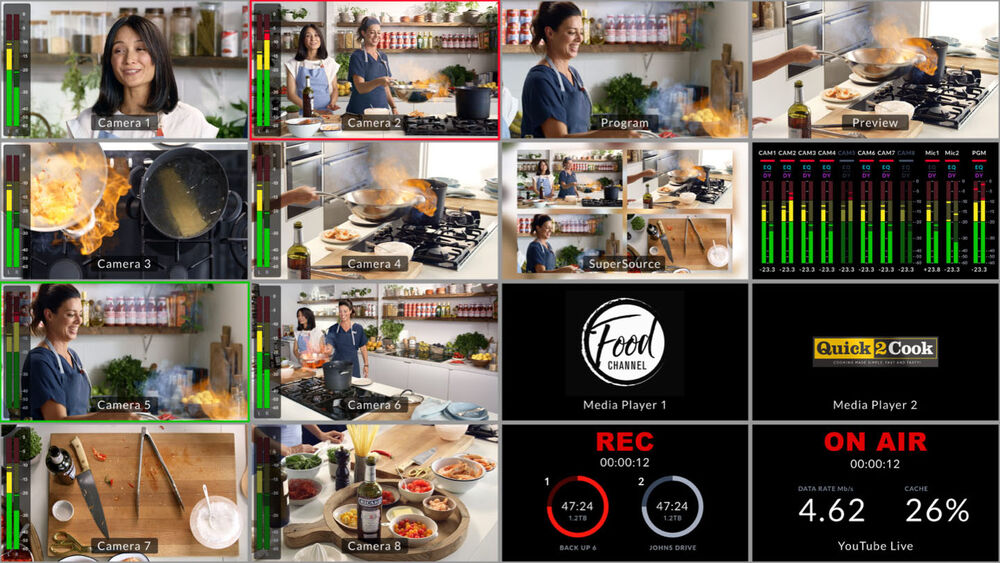
16-Source Multiview on a Single Monitor
Add Audio Expansion for More Microphones
The design features amazing quality with an extremely low noise floor of -129 dBV, a dynamic range of 131 dB(A), low distortion of 0.002%, and uniform tolerances across all channels. It even uses 8 separate ADCs on each input to collectively extend the dynamic range. Plus, it has a fun HDMI monitoring output with scrolling audio waveforms.
Record Direct to Internal Cloud Storage or USB Disks
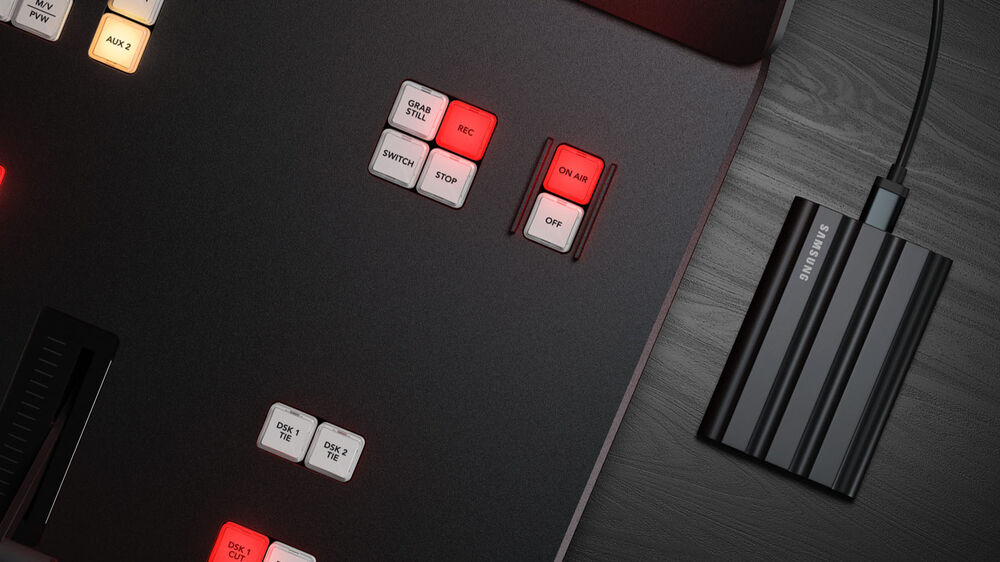
All recordings are in H.264 format with AAC audio for broadcast-quality video and small file sizes. You can also connect multiple USB disks, so recording will continue if a disk becomes full. You even get buttons on the control panel to start recording, and you can see record status in the multiview.
Outputs to Any Software that Supports USB Webcams
Imagine doing a presentation from a professional broadcast studio to software such as Zoom, Teams, or Skype. For streaming, the webcam output also works with streaming software such as Open Broadcaster, XSplit Broadcaster, and more.
Includes Free ATEM Software Control Panel
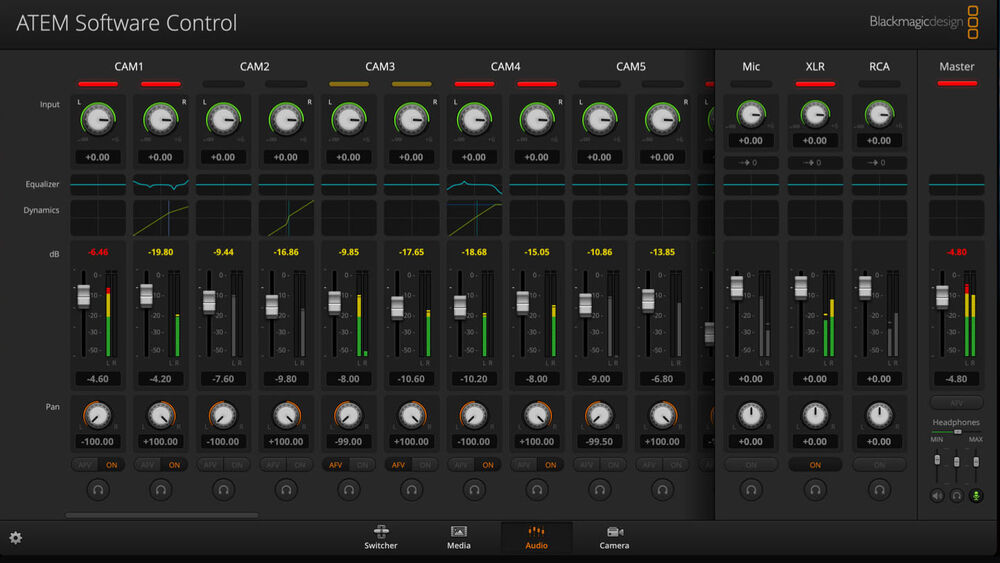
The software lets you live switch, mix audio, color correct in the cameras, and manage media. You can also build and run complex macros from the software. Plus, you can save the switcher state as an XML file for recalling jobs later. You can even control-trigger external HyperDeck recorders.
Live Stream to a Global Audience
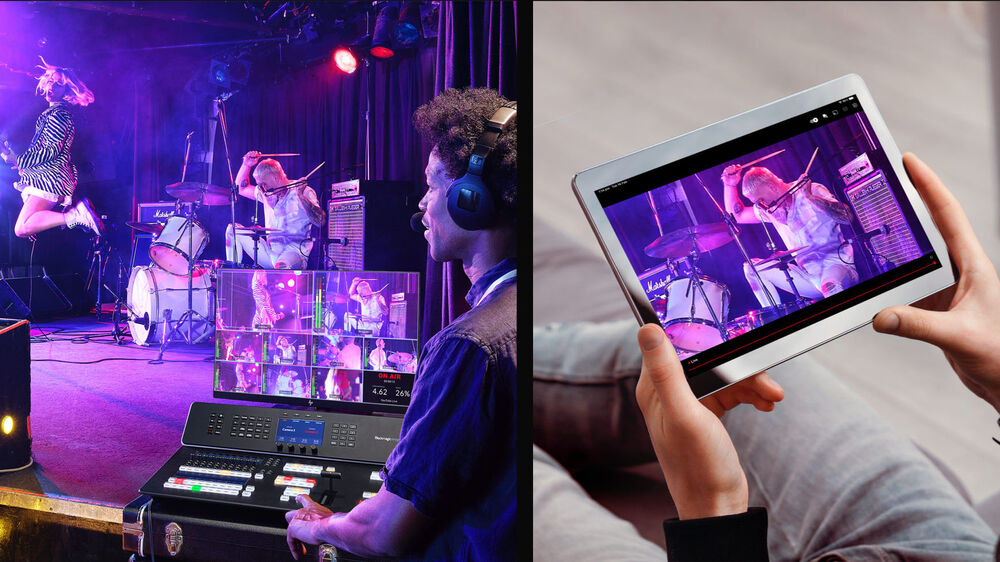
Streaming works using the Ethernet connection to the internet, or you can connect a smartphone to use mobile data. Then, you simply select the streaming service and enter the streaming key using ATEM Software Control. This makes streaming easy to set up, and the convenient data-rate indicator shows the internet speed required. If you're technically minded, you can even update the streaming profiles in an XML settings file to add new services.
Localized for 13 Popular Languages
Simply go into the set up menu to change the language, or you can always switch to another language at any time in the future. Once a language is selected, the menus on all the LCDs will change to the selected language. Multiple language support means ATEM Television Studio HD is perfect for doing live production work anywhere in the world and with any crew.
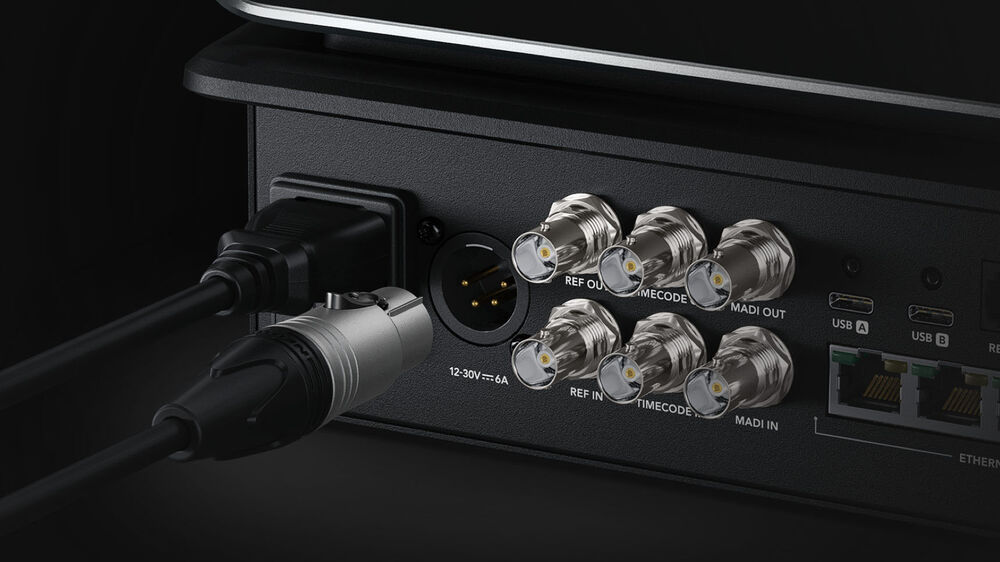
Flexible and Redundant Power
A broadcast-standard XLR 12 VDC power connection is included, which is perfect for backup power or for running on batteries. That means you can use it in extremely remote locations. Plus, if the internal power supply should malfunction, then you can simply connect an external DC supply to keep it running.
Designed to Be Easy to Repair
All the internal electronic PCBs are modular, so any qualified technician can buy a replacement and easily swap the board. This includes the connector PCBs, which can be purchased separately. All the technician needs to do is remove the bottom cover and replace the PCB. A large broadcaster could even buy the boards as a spare parts kit.
Applications
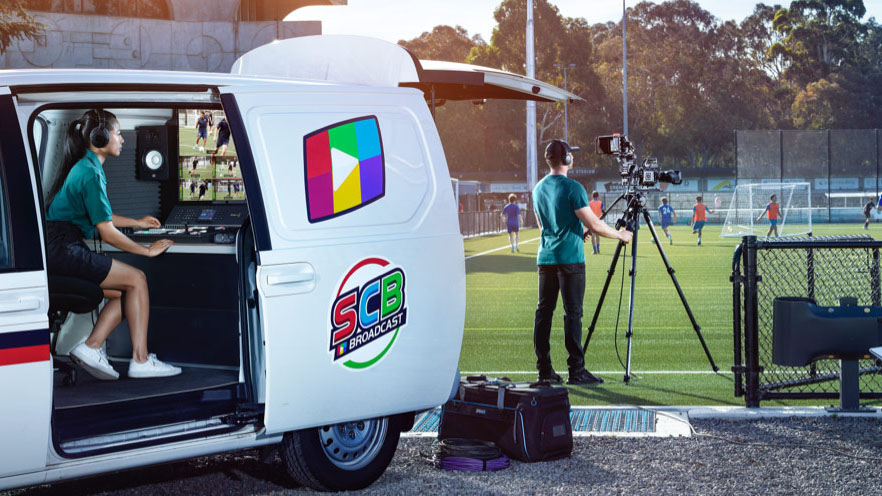
Compact Broadcast Vans
Music Venues and Clubs
Online Education
Live Sports
You may also like...
You may also like...
-
Brand
Available SoonStock Code:88.SWPANELADV1ME10Was:$4,979.00Now:$4,329.57Price:$4,329.57 -
Brand
Available SoonStock Code:88.SWPANELADV1ME20Was:$5,859.00Now:$5,094.78Price:$5,094.78 -
Brand
Available SoonStock Code:88.SWPANELADV1ME30Was:$8,495.00Now:$7,386.96Price:$7,386.96 -
Brand
Stock Level:Out of StockStock Code:88.SWATEMTVSTCK4K80Was:$9,269.00Now:$8,060.00Price:$8,060.00